



SlidesMania offers free presentation templates and educational resources that can give a blank slide deck a useful starting structure. Its catalogue includes classroom activities, planners, notebooks and designs for more conventional presentations. The real benefit is not simply finding an attractive background: it is choosing a layout that supports what you need to explain.
This SlidesMania guide covers template selection, practical editing, attribution and preparation for delivery. The site’s help and licence pages were checked on 18 October 2026. The images accompanying this article are AI-generated editorial concepts, not screenshots of SlidesMania templates or evidence of a hands-on product test.
SlidesMania at a glance
| Feature | What to know |
|---|---|
| Main resource | Presentation templates and educational layouts |
| Common formats | Google Slides and PowerPoint |
| Visible categories | Interactive activities, notebooks, planners, certificates and presentation styles |
| Price statement | The site describes its templates as free |
| Important condition | Keep required SlidesMania attribution and applicable resource credits |
| Best starting question | What should the audience understand or do afterwards? |
A template is a design resource rather than a finished lesson, a fact-checked report or an automatic accessibility guarantee. You still supply the argument, examples, evidence and instructions. Thinking of SlidesMania as a starting point keeps the decorative choices in their proper place.
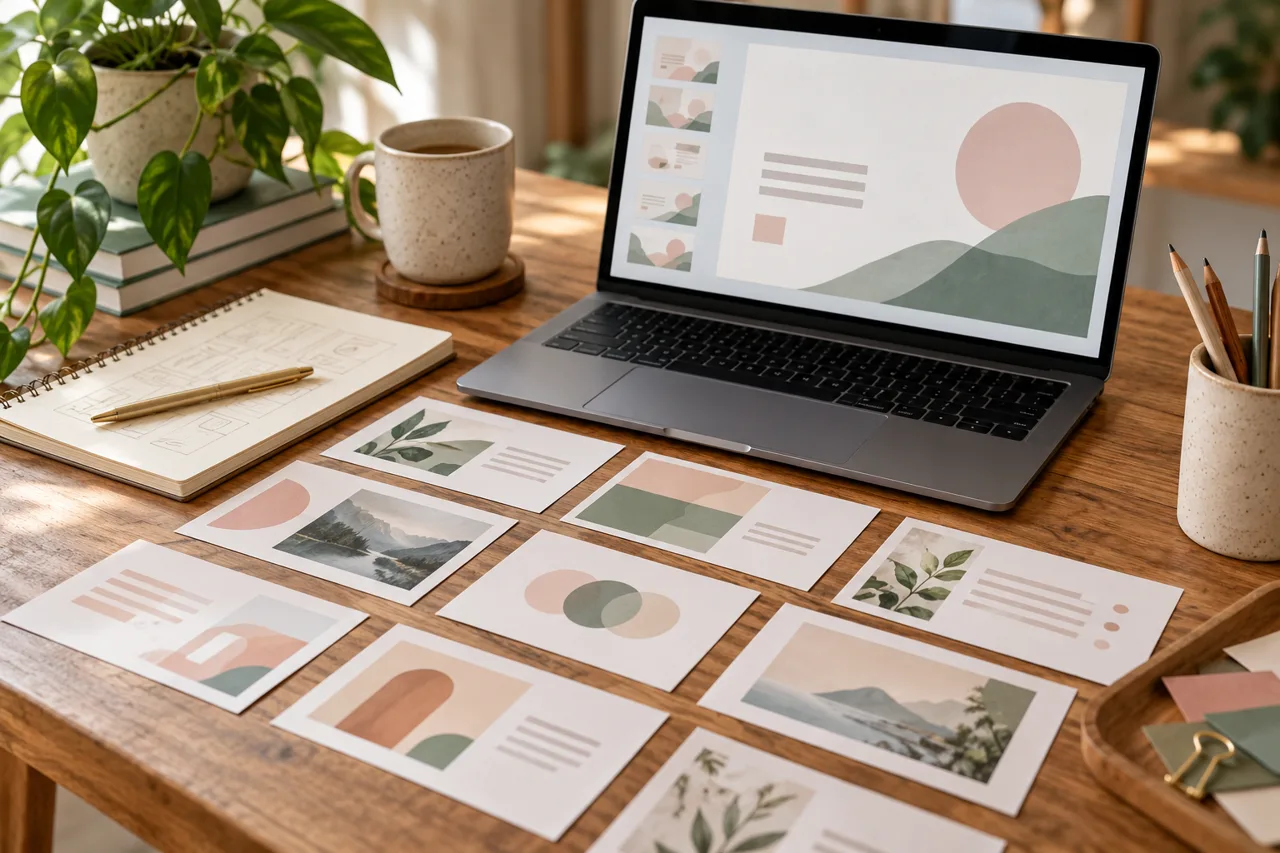
Choose a SlidesMania template by task
Begin with the intended activity. A speaker-led explanation needs a clear sequence. A self-guided resource needs visible navigation. A revision activity needs space for questions and feedback. Choosing among these purposes first prevents a common problem: spending an hour adapting a beautiful design whose structure fights the lesson.
For example, imagine a short workshop about checking sources. A simple presentation might introduce a claim, demonstrate a source check and finish with one practice question. An interactive version might let participants choose between several examples. Both can work, but the second requires you to plan the routes and test every return link.
SlidesMania’s formal template with an interactive menu is one concrete example of navigation being part of the design. Its page describes linked sections that can be adapted to different subjects. Inspect the actual template instructions before changing its structure; deleting a slide can affect a route you expected readers to follow.
Write the content before polishing the theme
Draft the slide titles in a plain outline. Each title should identify the point of that slide, not merely announce “Information” or “More details”. Then decide which evidence or example belongs beneath it. A slide that has no distinct job may be better merged with another or removed.
Next, separate spoken explanation from information that must remain visible. A live presentation does not need every sentence of the talk on screen. A deck intended for independent reading may need more context. Decide which version you are making before shrinking the type to accommodate everything.
For a maths activity, check the worked example before designing the answer slide. Our Calcsolver calculator guide offers related background on using calculation tools thoughtfully. A polished layout cannot repair an incorrect number or a missing explanation of the method.
Editing text that seems difficult to select
Some SlidesMania layouts place repeated labels in parts of the design that are not edited like ordinary body text. The publisher’s help page for changing template text recommends Find and Replace for items such as notebook tabs and planner labels. It gives separate directions for Google Slides and PowerPoint.
In Google Slides, the documented route is Edit, then Find and Replace. In PowerPoint, the help page points to Replace on the Home tab. Search for the exact existing label and review each intended change. Replacing every instance can be convenient, but it is worth checking whether the same word also appears in an instruction or example you meant to keep.

Keep SlidesMania credits and check the licence
The current SlidesMania template licence, marked updated 17 June 2026, permits the stated personal, educational and workplace-presentation uses while requiring its side attribution. It restricts selling, sublicensing and redistributing templates, including modified versions. Included third-party elements can have their own conditions and credit requirements.
Do not interpret “free” as permission to remove attribution or turn a modified template into a downloadable product. If your intended use involves distributing a resource beyond the uses clearly described, check the current terms and obtain clarification from the rights holder where needed. This is a summary of the publisher’s stated conditions, not a substitute for reading them.
Make the finished slides easier to read
Google’s guidance on accessible documents and presentations recommends alternative text for meaningful graphics, high colour contrast and tables used for data rather than decorative layout. Review these details after adding your own content, not only when looking at the original template preview.
Choose a small, consistent palette and check how text sits against each background. Our Fonvira colour-code guide explains formats useful for recording colour choices. A palette can look coordinated while still making important text difficult to read, so appearance and readability need separate checks.
Avoid using colour as the only way to distinguish answers or categories. Add clear labels or another understandable cue. For a meaningful image, describe the information it contributes instead of naming only the object. If a diagram is essential to the explanation, make sure the same point can be understood from your accompanying words.

Rehearse the actual delivery
Open the finished deck in the application and device you expect to use. Check the first slide, the densest slide and any interactive route. Then review the complete sequence. Pay particular attention to changes made near the deadline, when duplicated slides and old labels are easy to overlook.
If you need another file format, review that exported version separately. Treat conversion as a checkpoint rather than assuming the result is identical. Keep an editable working copy and a clearly named delivery copy so that last-minute revisions do not get confused with the version already checked.
Frequently asked questions about SlidesMania
Is SlidesMania free?
The site describes its templates as free. That does not remove attribution requirements or the restrictions in its template licence.
Can SlidesMania be used for a work presentation?
The publisher’s stated terms include presentations at work. Check the current licence, keep the required credits and distinguish presenting from redistributing or selling the template.
Why can I not click some template labels?
Check the template’s instructions. SlidesMania documents Find and Replace as an approach for certain repeated labels, including tabs and planner text.
Does a template make a presentation accessible automatically?
No. Your text, colours, graphics and navigation all affect the finished result. Review the completed deck for the audience who will actually use it.
Let the message lead the design
SlidesMania is most useful when the template serves a clear explanation. Start with the audience’s task, choose a suitable structure, preserve the credits and rehearse the finished file. The successful presentation is the one people can follow, not the one with the most decorative slides.
