



Classroom 30x appears in searches for browser-based games, including a Google Sites page using the name. The word “classroom” should not be taken as proof that a school has approved the games or that playing them meets a curriculum goal. A more useful starting point is to identify the exact page, understand the kind of game you want and check whether it fits your device and available time.
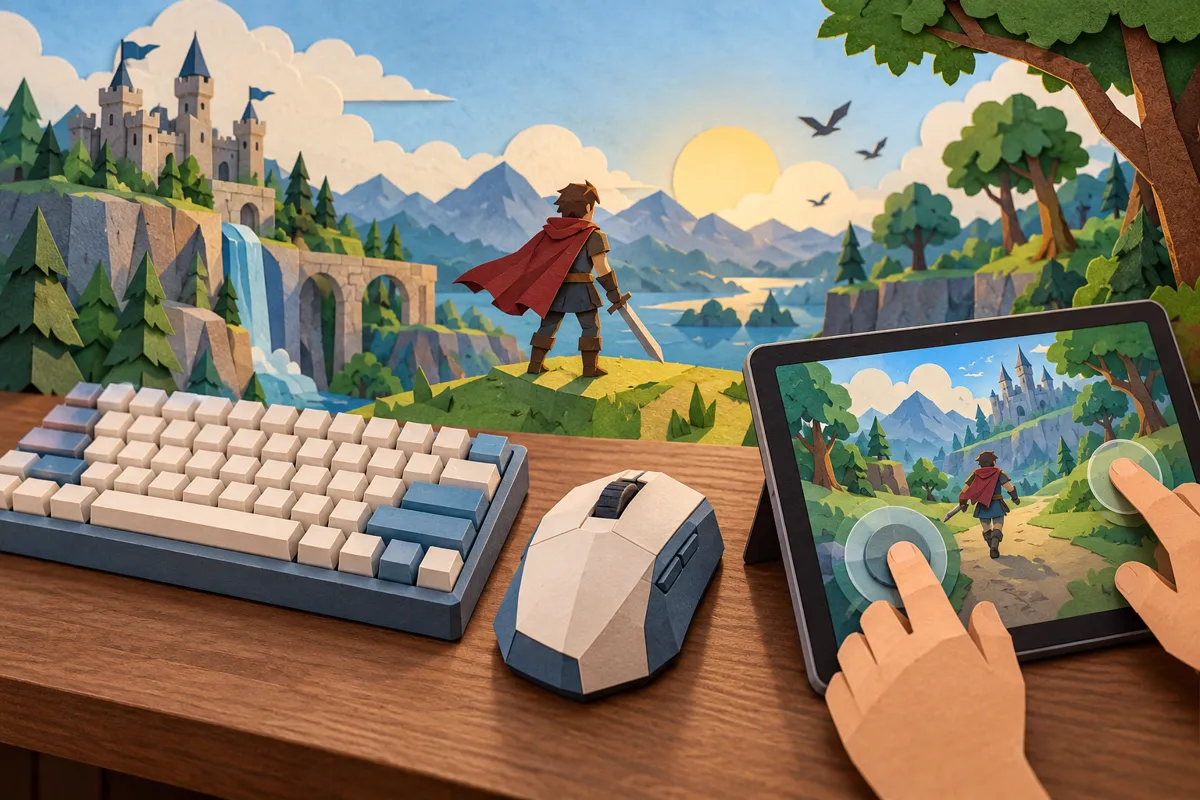
This guide separates the page’s presentation from practical choices a player can make. Its AI-generated illustrations show general gaming concepts, not screenshots, tested game interfaces or an endorsement by a school.
What the Classroom 30x page presents
The reviewed Classroom 30x Google Sites page introduces a collection of games and uses school-tablet and “unblocked” language. Its description mentions different styles of play, including racing, sporting roles, action and restaurant scenarios. Those are descriptions supplied by the page, not evidence that every linked game works on every network.
The hosting address is also worth noticing. A page hosted through Google Sites is content published using that service. Hosting does not establish that Google created the games, evaluated them for children or recommends the collection. Record the complete address when comparing search results, because similar names can lead to different operators.
| Game style | Useful question before starting | Possible stopping point |
|---|---|---|
| Racing | Which controls steer and brake? | One race or time trial |
| Puzzle | Can a level be paused or restarted? | One completed puzzle |
| Sports | Is this a short round or a full match? | The end of a match |
| Management | Does progress save between visits? | A defined task or milestone |
| Action | Are the controls and content suitable? | A level boundary |
Choose a game by the session you have
Start with time rather than the most striking thumbnail. If you have a short break, look for a clear endpoint and a visible restart or pause control. A game that expects a long uninterrupted session may be a poor fit even if it looks simple. Decide what counts as finishing before the first round begins.
For example, “try one race and learn the controls” is a manageable goal. “Keep playing until I win” has no predictable endpoint. This distinction is about planning your own session; it does not require a claim that one genre is inherently better than another.
A daily game can offer a different structure from an open catalogue. Our Miniondle guide discusses a named daily-game format. Comparing formats can help you decide whether you want one contained challenge or a choice among many unrelated games.

Check controls before committing to a round
A game displayed inside a browser may still expect a keyboard, mouse or touchscreen. Read any instructions on the game’s own page. Check whether actions require several keys together, dragging, precise taps or repeated clicks. The device opening the page and the device comfortably playing the game are not always the same thing.
Try a practice area or an opening level if one is available. Notice whether the pointer stays inside the game and whether keyboard input reaches the intended controls. If the page scrolls when you press an arrow key, check the game’s instructions rather than assuming the device is broken.
Touchscreen support deserves its own check. A picture of a tablet or a claim about mobile access does not show that every game in a collection has touch controls. If controls are missing or obscure important parts of the scene, choose another game instead of repeatedly changing unrelated device settings.
Treat sound as a setting you control
Before starting, check the game’s volume and the browser’s sound behavior. This is especially useful in a shared room. Google’s Chrome guidance on video and audio explains where sound-related settings can be checked when media does not behave as expected. Use instructions appropriate to your browser and device.
A silent game may be muted by the game, the tab, the operating system or an attached audio device. Check those ordinary possibilities one at a time. Avoid installing an unfamiliar extension merely because a page says it will fix sound or enable playback.

Understand access and permissions
The term “unblocked” is a description used by some gaming pages, not a guarantee of access. Schools and workplaces can set their own device and network policies. If a managed device prevents a page from opening, use the permitted options available to you or ask the administrator. A blocked page is not an invitation to alter institutional controls.
Browser permissions are a separate issue. A simple game asking for microphone, camera or location access should give a clear reason related to its features. Chrome’s site-permission instructions explain how to review permissions for individual sites. Do not grant unrelated access just to dismiss a prompt.
Keep downloads distinct from browser play. If a link takes you to an installer, store listing or account-registration page, pause and evaluate that new destination on its own. The name on the original catalogue does not authenticate every subsequent page.
Compare the experience, not the catalogue size
A useful comparison asks whether you can understand the rules, operate the controls and stop at a sensible point. Large game counts do not answer those questions. Neither does a collection’s popularity claim without a clear source and measurement period.
For a contrasting example, the Scrandle guide focuses on a specific comparison-game idea. Looking at one defined mechanic can be more informative than browsing a long grid of titles without knowing what kind of experience you want.
Frequently asked questions
Is Classroom 30x an official learning platform? The reviewed page presents games. Its name and school-related wording do not establish a curriculum, school partnership or measured educational benefit.
Will every game work on a tablet? Do not assume that. Check the individual game’s controls, screen layout and device instructions before relying on a general catalogue description.
Does “unblocked” mean a page will open everywhere? No. Access depends on the network, device configuration and applicable rules. The label is not a technical guarantee.
Is an account always required? Requirements can differ between destinations. Check the actual game page and understand what registration would provide before entering information.
Let one clear choice shape the session
Approach Classroom 30x by choosing a suitable game style, checking its controls and deciding where you will stop. Confirm the address you are visiting and treat permission requests or downloads as separate decisions. These small checks make a browsing session easier to manage without turning a catalogue’s promotional wording into promises it has not demonstrated.
